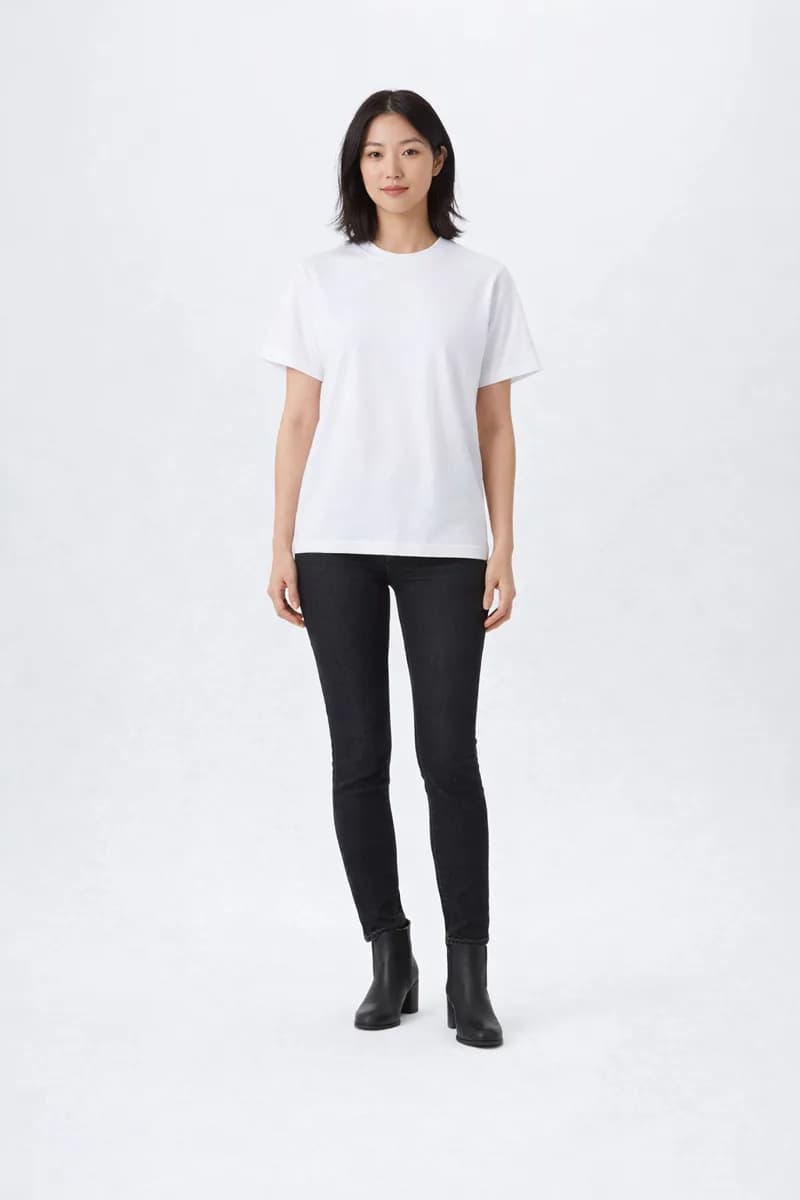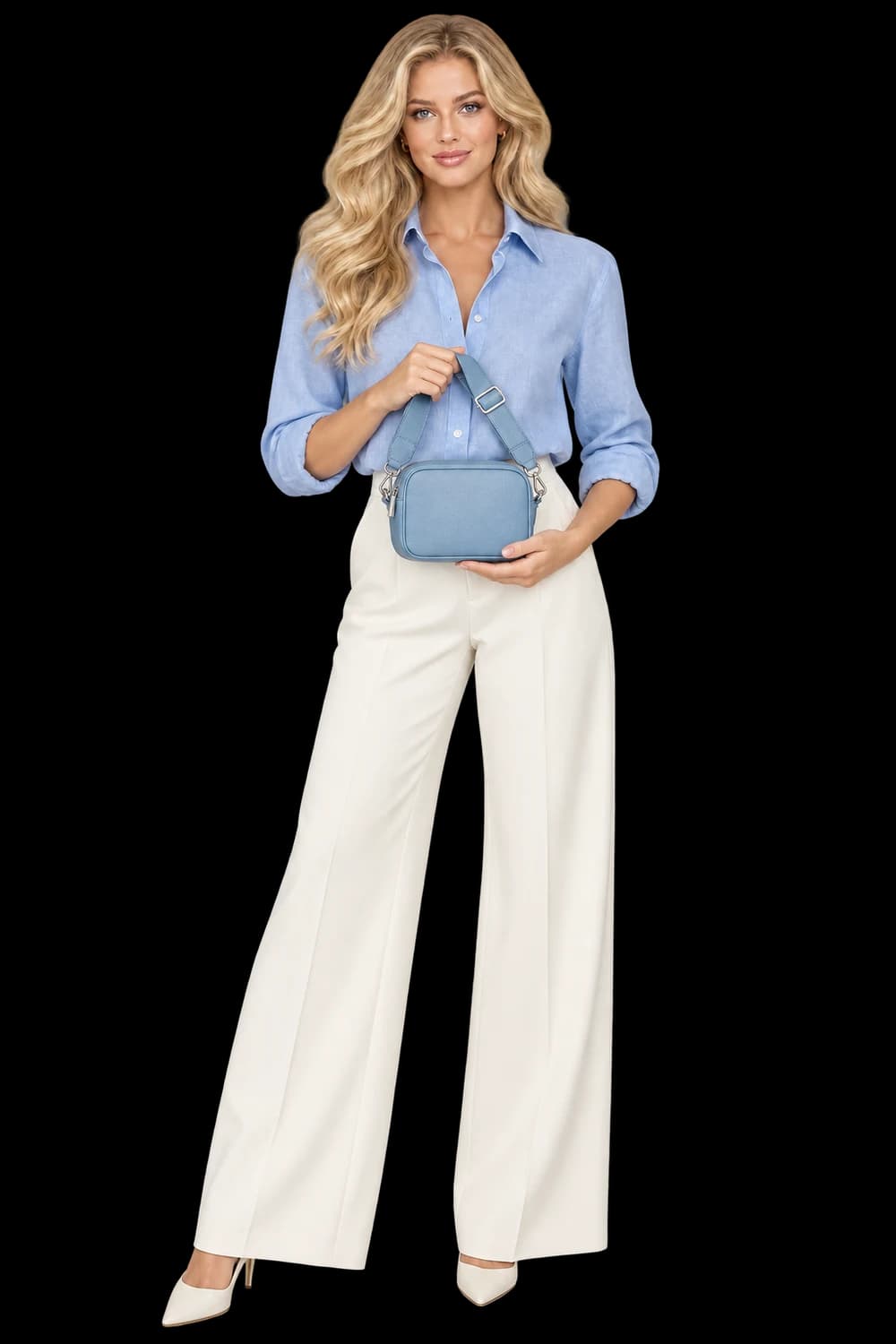
Import the products you are ready to review, then approve one visual direction before generating the collection.
Choose a campaign, not the whole shop
A store can contain several visual worlds: seasonal garments, permanent accessories, gift sets and archive pieces. Importing everything at once makes it harder to decide what a successful image should look like. Begin with a question you can answer visually. What does this launch need: a clean catalog refresh, a quiet seasonal story, or a set of product-led creator images?
Choose a coherent collection for that purpose. Six products with similar framing needs can be a more useful starting point than twenty unrelated items. Write down the destination before opening the importer: product page, collection header or campaign post. That decision gives you a reason to accept or reject the first sample.
Bring in public product images
Open Import shop and paste a public Shopify storefront, collection or product URL. The importer looks for publicly available product data and can discover up to 60 products. Choose at most 20 for the collection you want to take into bulk generation. This is a read-only starting point: it does not connect to your store admin or publish anything back to your shop.
Public access matters. A password screen, bot protection or an unsupported storefront can prevent discovery. Try a public product page if the catalog URL does not work, or use the upload workflow with your original product files. Repeatedly importing a blocked URL will not improve the source material.
Treat the import as an intake review
Before continuing, inspect the selected image for each product. A mood image may look attractive in the storefront but hide the item you need to preserve. Prefer a clear view with visible edges and enough detail to understand the material, construction and distinguishing marks. Choose another available image when a hand, prop or crop obscures the product.
Keep SKUs useful and unique. The code is your connection between the incoming product and its eventual result; a duplicate or vague name makes review unnecessarily difficult. Imported images and SKUs are starting inputs, not a promise that the studio has reconstructed every variant or synchronized your inventory.
Approve the smallest useful test
Importing does not spend generation credits. Generation is a separate decision in Bulk Generate, where you choose a shared direction and inspect the quote. Pick a representative product for the first sample: one that exposes the important challenges, such as a distinctive clasp, a readable label or a fabric pattern.
Compare the result against its source before approving the remaining items. Look for product identity first, scene quality second. If the sample changes the item or hides the selling detail, revise the direction. A beautiful background does not compensate for a product your customer would misunderstand.
Review the collection as individual products
After the remaining items run, review each SKU independently. Keep accepted outputs, inspect failures, and retry only the items that need another attempt. Shared direction creates a common brief; it does not remove the need for product-by-product judgment. Download or reuse approved assets only after checking their intended placement and your plan’s usage terms.
- A clear source image for every selected product
- Unique SKUs that remain recognizable during review
- One approved sample before the rest of the collection
- A final check at the crop and size customers will see