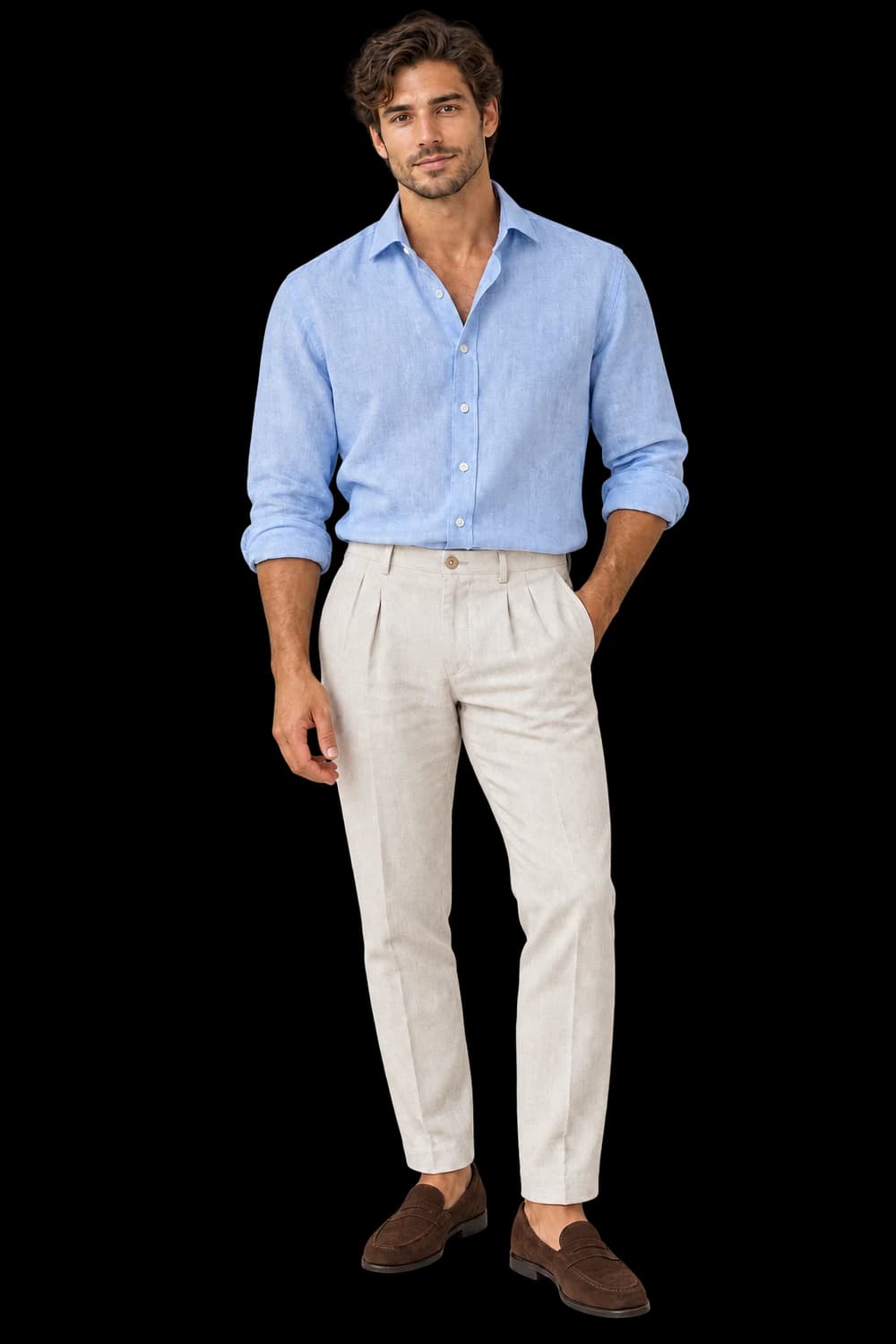
Give precision a proper setting.
Direct watch imagery with a readable dial, complete case and plausible strap arrangement, then inspect the small details.
Add your own product. Edit the starting direction. Review the quote before requesting one sample.
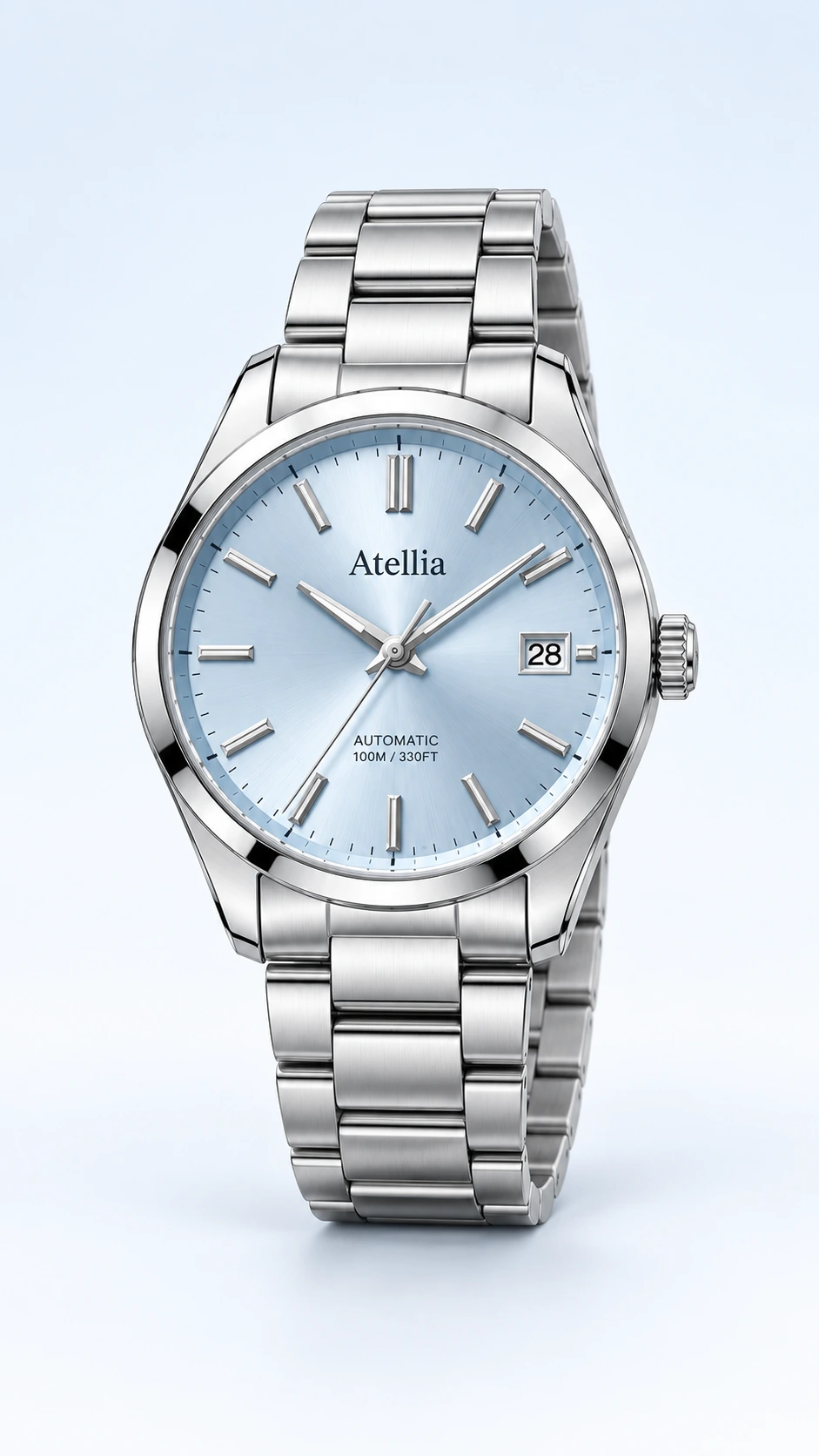
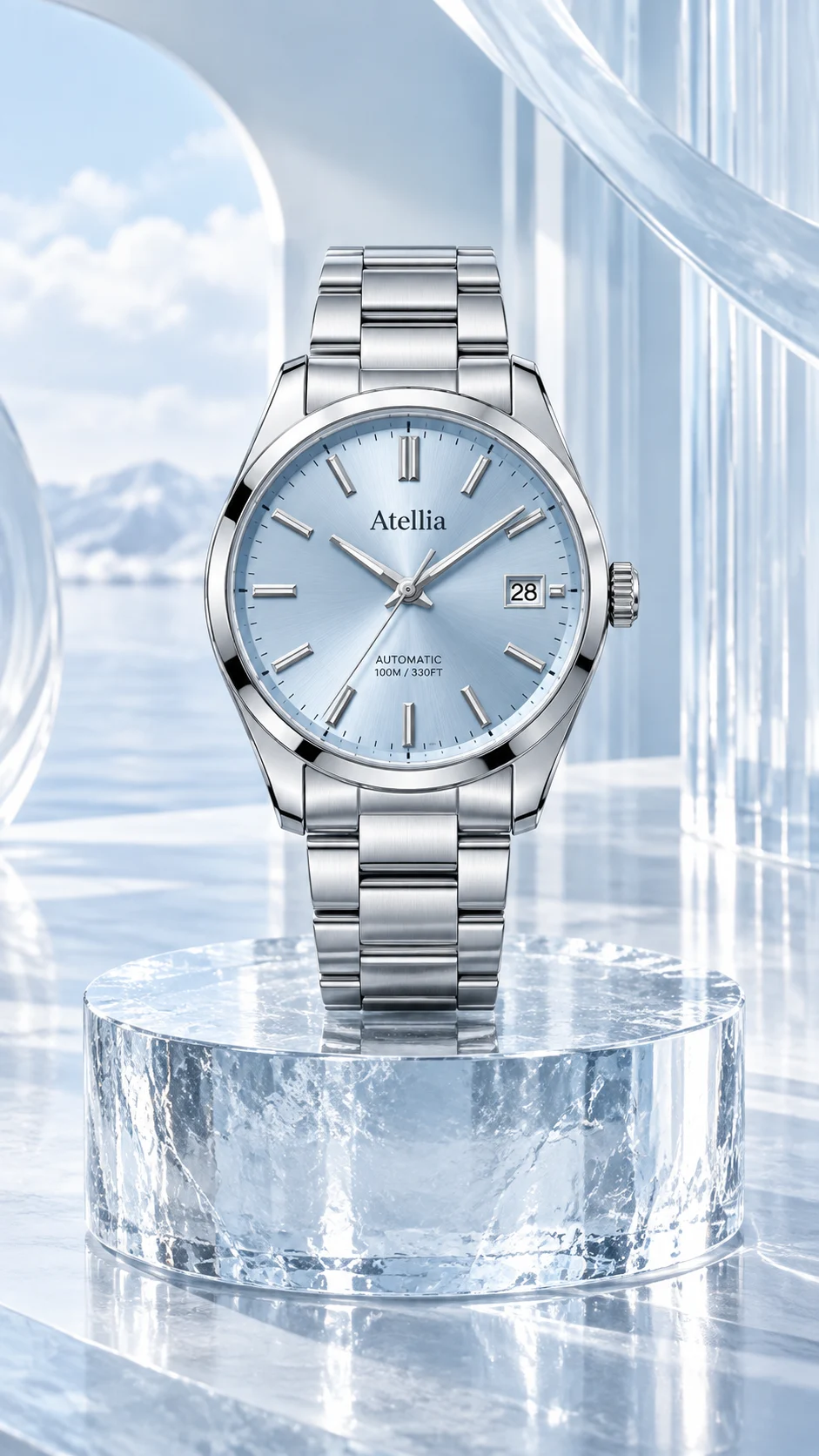
What to keep in the frame.
Use your original as the standard. These details deserve a separate pass before you approve the image.
- 01Dial markings and hand count
- 02Case, crown and lugs
- 03Strap links, stitching and clasp
The better starting point.
Begin with a readable dial and visible case edges. Use an original detail image for markings too small to judge reliably in the main source.
Have a public shop? Import your product ↗Photograph the supplied watch with its dial facing camera on a neutral matte surface. Preserve the source dial markings, hands, case shape, crown and strap. Keep the full watch visible, control glass reflections and add no invented text or complications. Review priorities: Dial markings and hand count; Case, crown and lugs; Strap links, stitching and clasp.Open this direction ↗
A watch photograph invites close scrutiny. Begin the review with the dial: markings, hands, date window and any visible subdials. A result can look luxurious while inventing a complication or rearranging the typography. Keep the original open beside it and compare the structure rather than the overall impression.
Treat generated imagery as creative, not evidence of movement, water resistance, material composition or measurements. Keep your product specifications and original photographs available for those claims. When a sample passes, extend the direction one product at a time and retain accepted outputs while revising only the details that need another attempt.