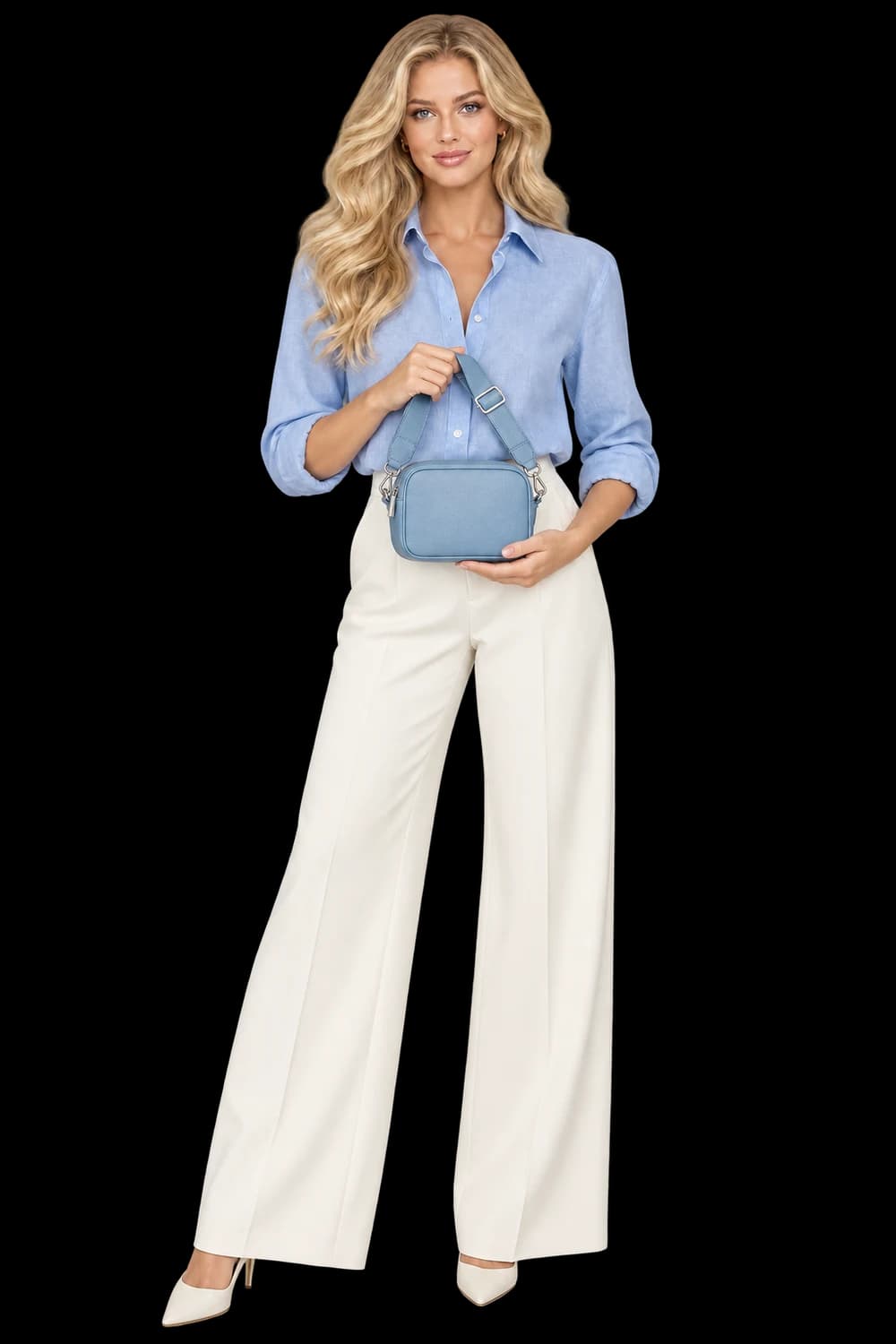
A creator-style image needs two readable subjects: the person and the item they are presenting.
Give the product a role in the frame
‘Person with product’ leaves almost every important decision open. Start by deciding what the viewer should understand. Is the person presenting the front label, showing the scale of a bag, or wearing a garment so the silhouette is easy to read? A clear action gives the composition a purpose and tells you where the product belongs.
In UGC × Product, hold, present, tabletop and wear are distinct directions for still imagery. Choose the action that exposes the product’s useful details. A tabletop scene may be a better choice than a complicated grip when the item is small, reflective or covered in fine lettering. Complexity is only useful when it serves the shot.
Build an authorized reference set
UGC × Product combines your product with a saved creator or up to three uploaded likeness references. The saved cast workspace keeps named reference sets ready to reuse. Creator Builder serves a different step: generate an original adult model, review the portrait, and save it to your cast before selecting it for a product shoot. Use references you have permission to use and give each saved creator a clear name.
Choose images that communicate the appearance you want to reference clearly. Avoid relying on an extreme angle or heavy obstruction as the only source. Saving references supports a reusable workflow; it does not guarantee identity consistency. Review the generated person as carefully as the product on each new output.
Describe position, scale and attention
A useful brief describes where the object sits relative to the body and camera. For example: ‘Hold the bottle beside the upper chest, front label toward camera, fingers below the label, relaxed expression, uncluttered interior.’ Keep the example proportional to your actual item. Do not ask a person to palm a bag or pinch an object whose size makes that action implausible.
Give the background a supporting role. A restrained setting and simple light can make the interaction easier to inspect. Decide whether eye contact matters or whether the person should look at the product. Leave room for a headline only if the final placement requires one; otherwise the instruction may compete with product visibility.
Review contact points before expression
Begin at the grip. Follow each visible finger and check whether it overlaps the object in a believable way. Inspect handles, straps and product edges where they pass behind a hand. Then compare the object’s apparent scale with the source and with the person’s body. A plausible face cannot rescue a physically confusing product interaction.
Read the label and check small identifying features. The product should be recognizable for the right reasons, not just because its overall color looks familiar. If the label is critical and keeps changing, simplify the pose or use a product-led composition. Keep original photography available when exact packaging is essential.
Use the still for what it actually shows
The result is a creator-style still, not a recorded testimonial or proof that someone used the product. Do not add a quote, endorsement or personal story that the image cannot substantiate. If you need a sequence, make and review additional stills, then assemble approved assets in Storyboard. Speaking avatars, voice and lip sync are not part of this workflow.
- Authorized creator references
- A simple action with clear product visibility
- Believable hands, contact points and object scale
- Accurate labeling and no invented endorsement