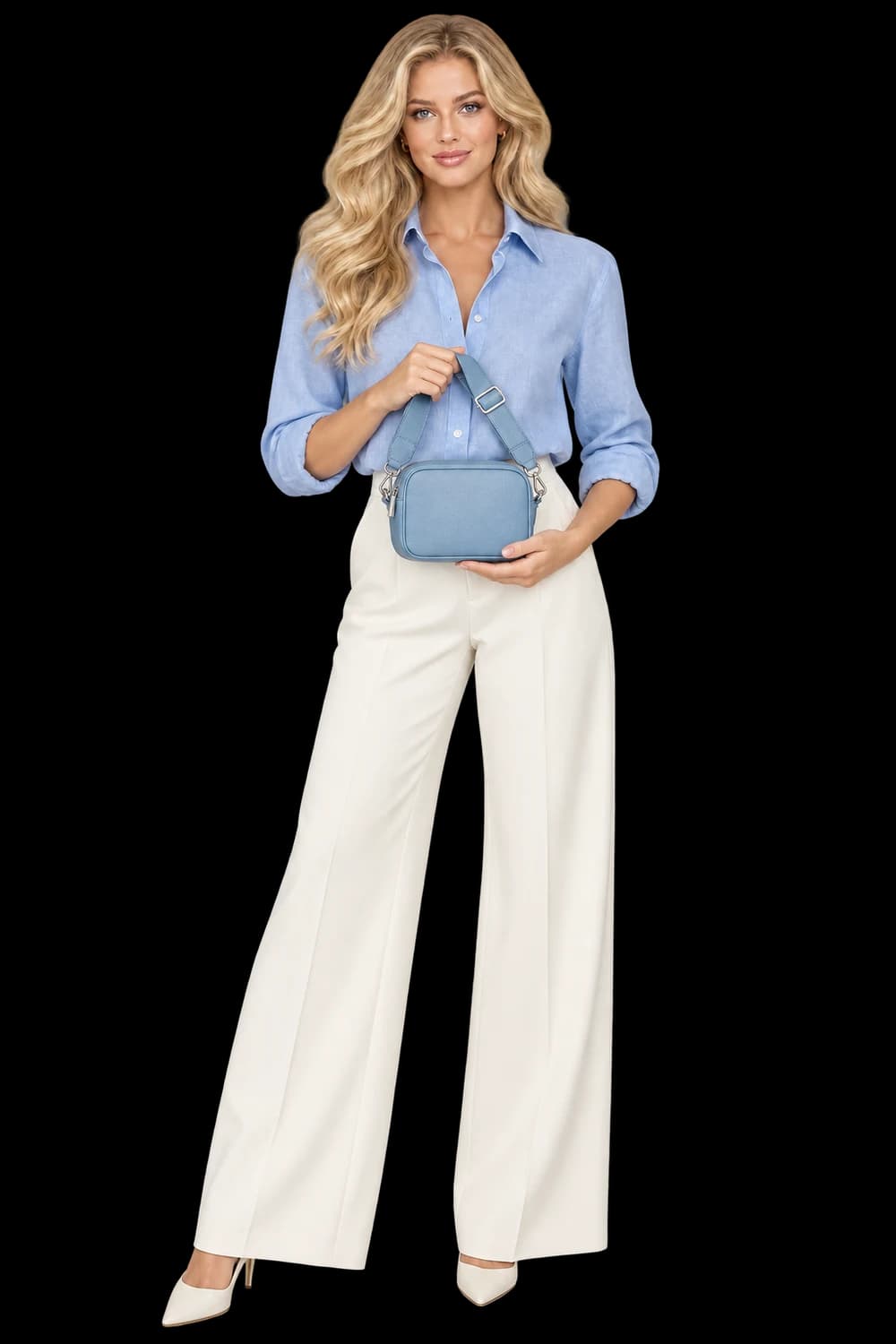
Make a sequence from assets you have already approved. Add generated motion only when the shot needs it.
Choose one idea for the sequence
A short product sequence does not need a complicated story. It needs an order that helps the viewer understand the item. Begin with an establishing image, move to a useful detail, and finish with a clear product view. For a garment, that might mean a full silhouette, a fabric-focused frame and a final on-model composition.
Choose the message before choosing every image. If the sequence is about a distinctive handle or fastening, that detail deserves a shot the viewer can read. A beautiful asset that introduces a different setting or obscures the item may weaken the sequence even if it works well on its own.
Work from an approved library
Inspect the source stills before assembling them. Check product shape, color, labels, hands and any small details that matter to the purchase. Putting an image into a video does not resolve an uncertain detail. It simply gives that image a duration. Use a consistent set of products and visual direction unless a deliberate change serves the story.
The Storyboard workspace uses owned stills and clips from your library. Select the assets, arrange the shots and choose their durations and the export aspect ratio. The assembly workflow supports one to eight shots, each from one to fifteen seconds, with a total duration of up to sixty seconds.
Give the viewer time to see the product
Pacing comes from what a shot asks the viewer to notice. A simple silhouette can read quickly; a detail with small lettering needs longer. Start with a modest sequence and watch it all the way through. If a shot ends before you understand it, lengthen it or use a clearer asset rather than adding more shots to compensate.
Check the selected aspect ratio early. Mixed image shapes are letterboxed, so the export may include space around some shots. If that interrupts the sequence, choose assets with a closer match to the intended frame. A source clip shorter than its assigned shot duration freezes on its final frame; review that hold as part of the pacing.
Distinguish assembly from generated motion
Storyboard assembles existing assets into a silent 720p H.264 MP4 and does not use AI generation credits. It does not invent camera movement inside a still or add a speaking performance. Export availability has limits: up to two active exports and twenty exports in a rolling day. Plan the sequence before repeatedly exporting small variations.
When a specific shot needs generated movement, send an approved still into the Video workspace first. Review the selected model’s capability, plan requirement and quoted cost before submitting. Inspect the completed clip for product changes, then bring the accepted result into the storyboard alongside the other assets.
Review the whole export once more
Open the finished library asset and watch from the first frame to the last. Check the order, duration, product continuity and any frozen ending. Evaluate the sequence at the size and aspect ratio of its destination. This workflow produces a silent video, so its meaning should be understandable without relying on music or a voiceover that is not present.
- A clear opening, useful detail and deliberate ending
- Only reviewed stills and clips
- A readable pace and consistent product identity
- A final playback check of the exported file