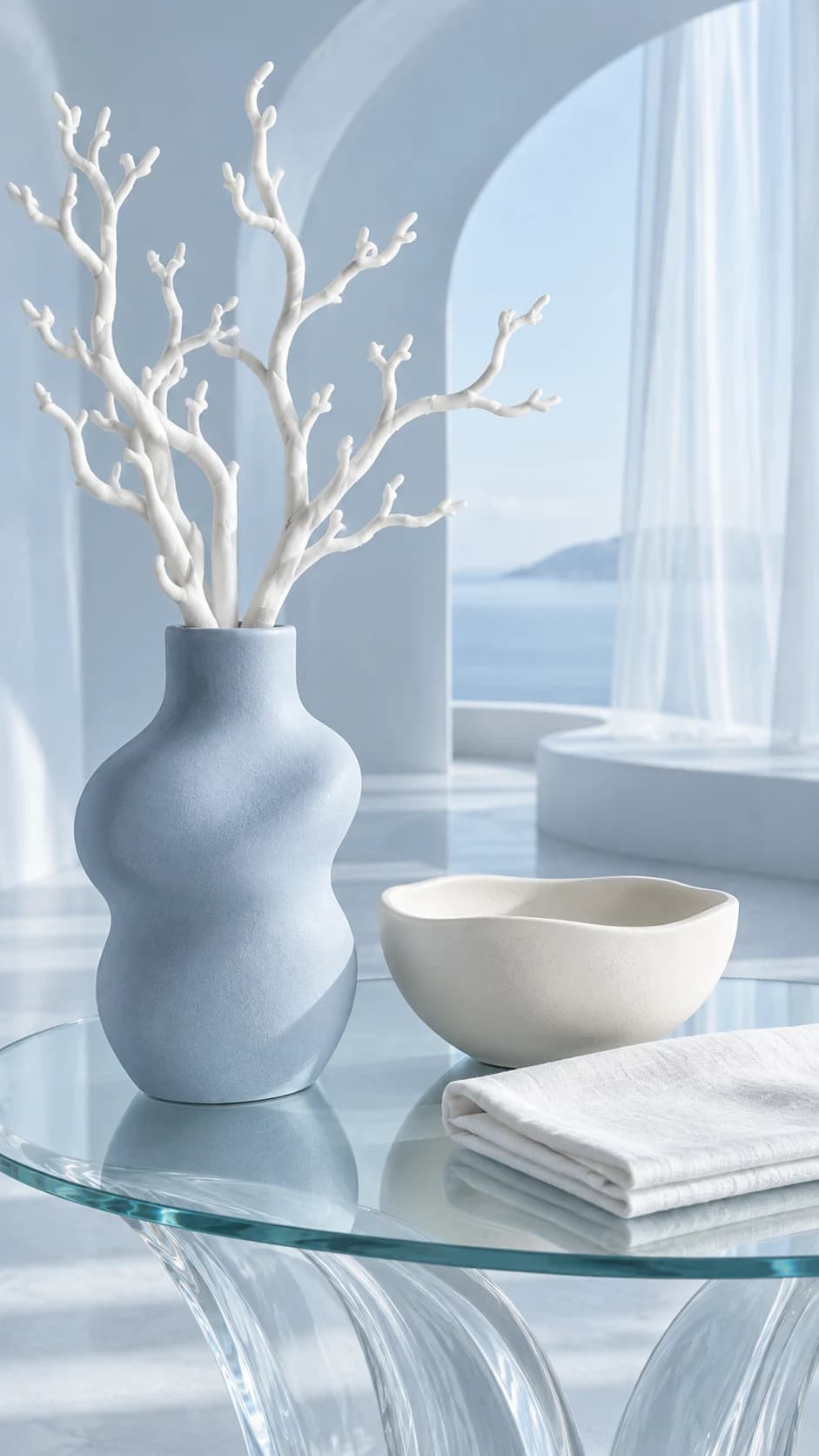
Complete shape and openings. Surface finish and material texture. Handles, switches and functional details.
Decide whether the image explains or styles
A home object may need both a clear product view and an image that suggests a setting. Decide which job the next asset should do. A vase on a crowded shelf can establish a mood while hiding its opening and base. A plain product view may be less atmospheric but more informative about shape.
Choose a source with visible edges and a readable surface. Reflective or translucent objects need particular care because their surroundings influence how they appear. Keep an original image available to establish the actual material when the campaign scene deliberately changes the light.
Give the object a plausible relationship to the room
A simple shelf, table or plinth can support the subject without adding competing products. Check the contact point and shadow so the object sits naturally. Avoid contextual props that imply an exact size unless you can verify that relationship; a generated room is not a scale drawing.
Inspect handles, openings, feet and functional details. A lamp switch, spout or lid can change even when the overall shape remains persuasive. If the image shows a function, compare it with the real product rather than assuming the new scene has represented it correctly.
Keep material and finish in the final review
Soft side light can reveal texture, but it can also change the apparent gloss or color. Compare the object with the original in areas that are not dominated by highlights or deep shadow. Look at the full composition and the final thumbnail, with the entire object visible in both.
For a collection, maintain a consistent scene while letting each item remain the subject of its own review. Keep original photography for technical detail and measurements. Use accepted generated assets to extend the visual story, rather than asking one atmospheric image to establish every property of the object.