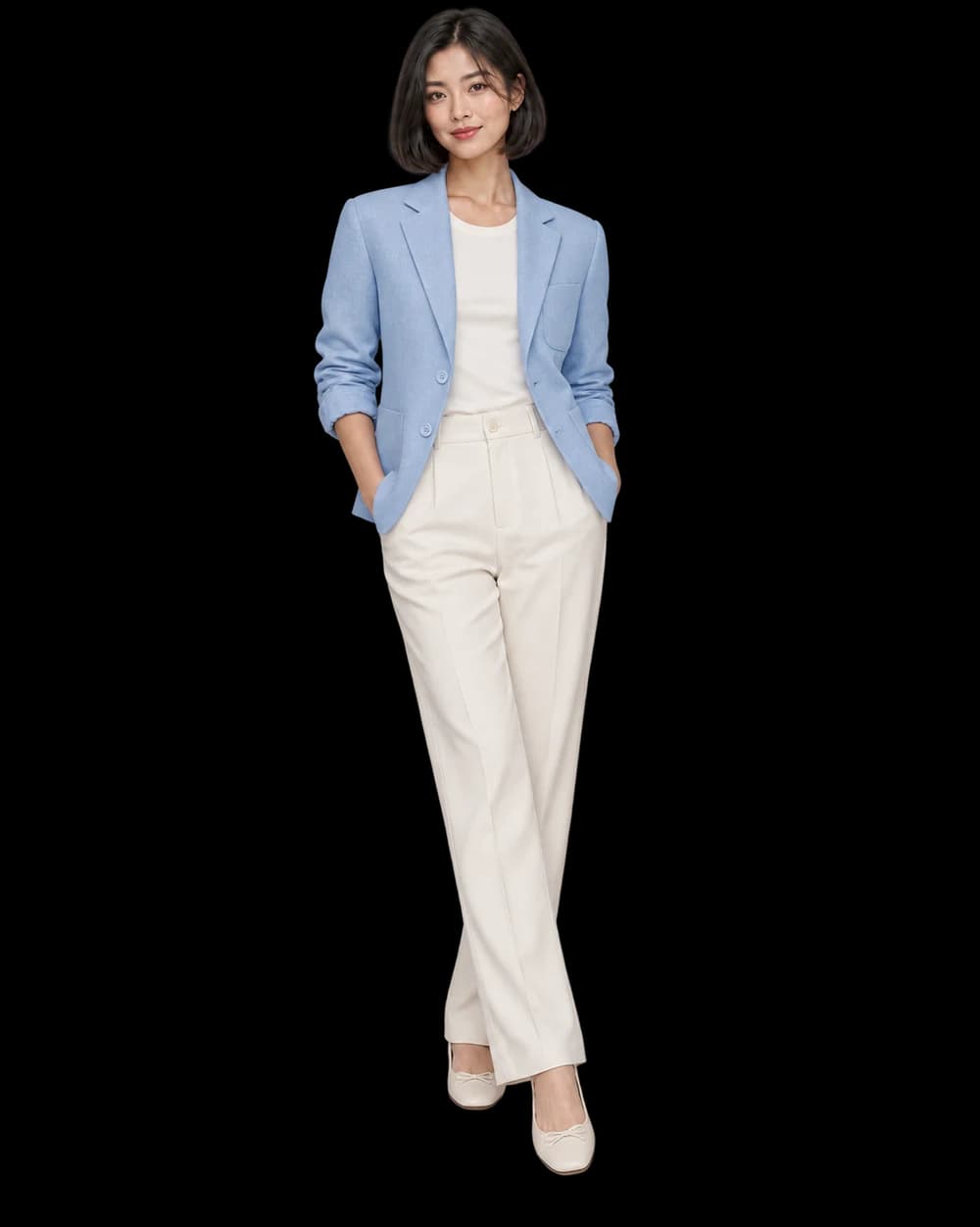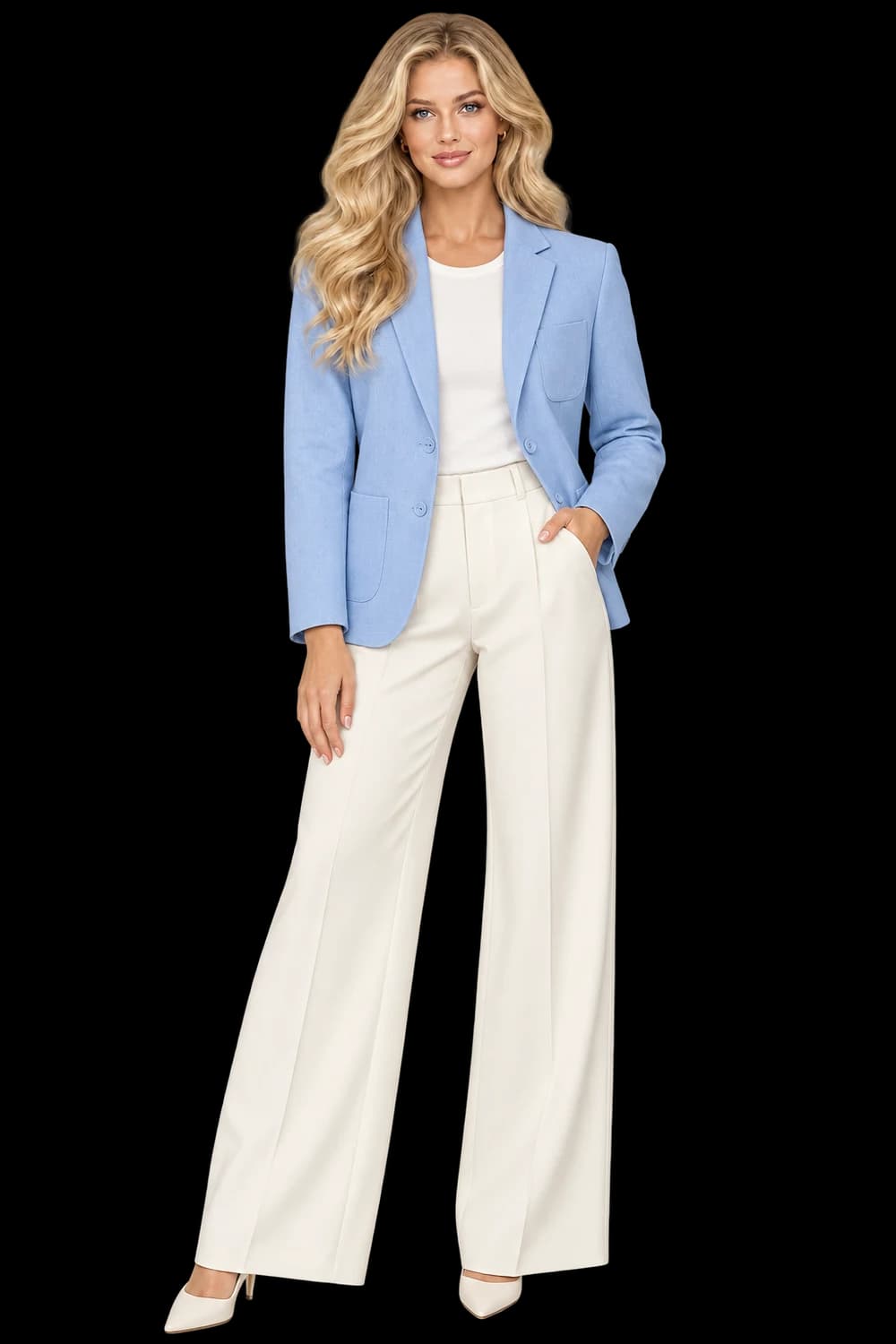
Closure, collar and pocket construction. Sleeve shape and shoulder line. Texture, lining edges and hem.
Name the details that identify the jacket
A jacket often has several features competing for attention: collar, lapels, zipper or buttons, pockets, cuffs and material texture. Write down the few that make your item recognizable before you choose the setting. A generated jacket in the right color can still have the wrong closure, pocket count or hem.
Choose an original with the whole garment visible. If the sleeves fall behind the body, the source may not explain their shape. Arrange the input for clarity when possible and keep an additional original available for details that the front image cannot establish.
Use light to reveal material
Soft side light can make bouclé, quilting, denim or leather easier to see. Check that the new lighting does not turn the material into something else: a matte finish should not acquire a lacquered sheen just because the scene looks expensive. Texture matters at the scale customers will actually view.
Follow repeated structures such as quilting lines, ribbing or printed motifs across panels. Inspect where pockets interrupt the pattern and where the closure meets the collar. These transitions are often more informative than a quick glance at the center of the garment.
Review what the styling hides
An open jacket, a scarf or a bag can introduce useful styling, but each can conceal product information. Start with a pose that keeps the front and sleeves readable. If the jacket is closed in the source, review any generated open styling carefully rather than assuming the interior construction is known.
Approve one image for a clear purpose. A textured editorial scene may belong in a campaign, while the original flat product view remains the better place to establish hardware and construction. For a collection, retain accepted results and adjust only the items whose details need another attempt.